Free on Android

Edit videos on your phone.
Export in HD.

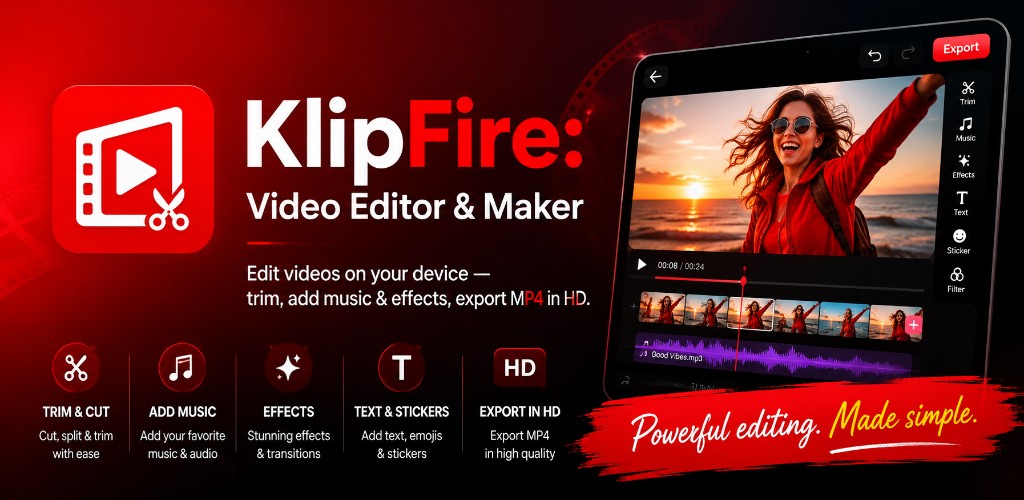
Trim, effects, music, text & stickers — everything you need to polish clips and share them, without leaving your device.

On-device editing 70+ languages Android 7.0+
Features

Everything in one editor

Import from your gallery or record a new clip, then shape, style, and export — all from a focused bottom toolbar built for phones.

Gallery & record

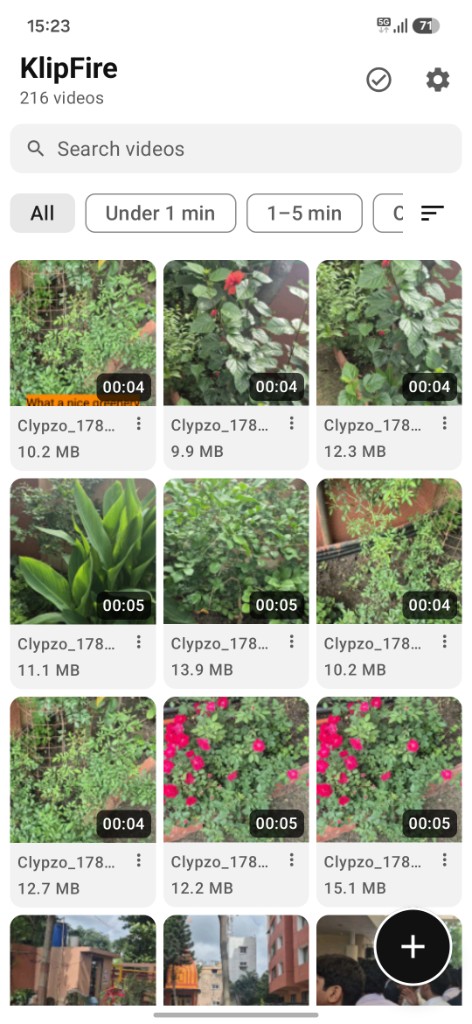
Browse your device videos in a fast grid, import from the photo picker, or record a new clip and jump straight into the editor.

Trim & timeline

Cut clips with a visual filmstrip, split at the playhead, reorder segments, and build multi-clip timelines on your phone.

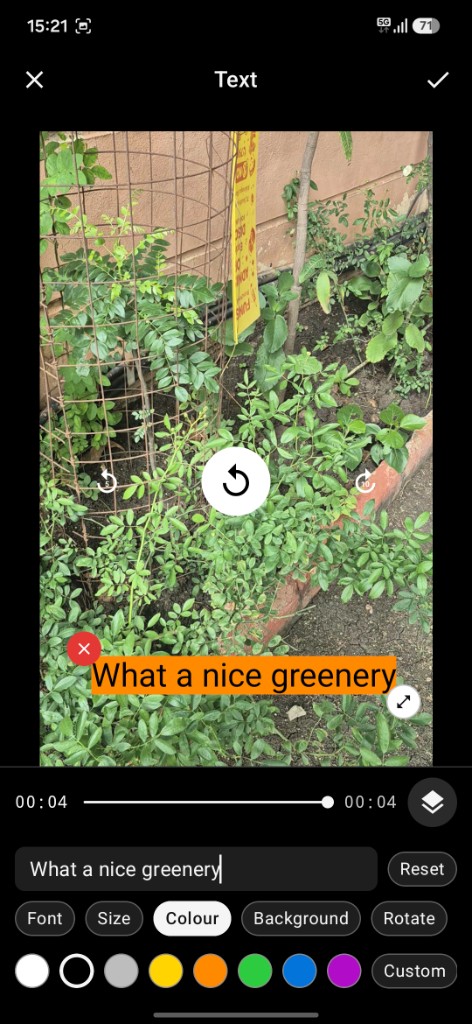
Text & stickers

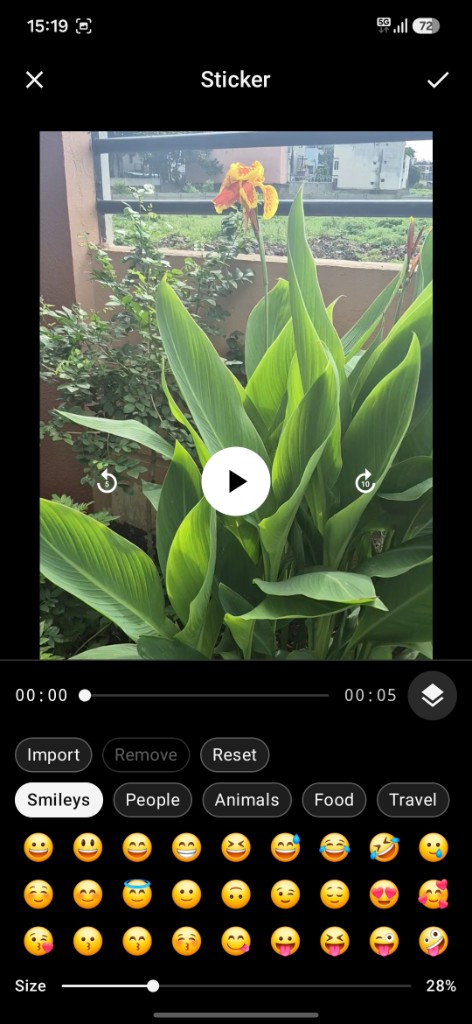
Add titles with custom fonts and colors, layer emoji stickers, drag to position, and resize directly on the preview.

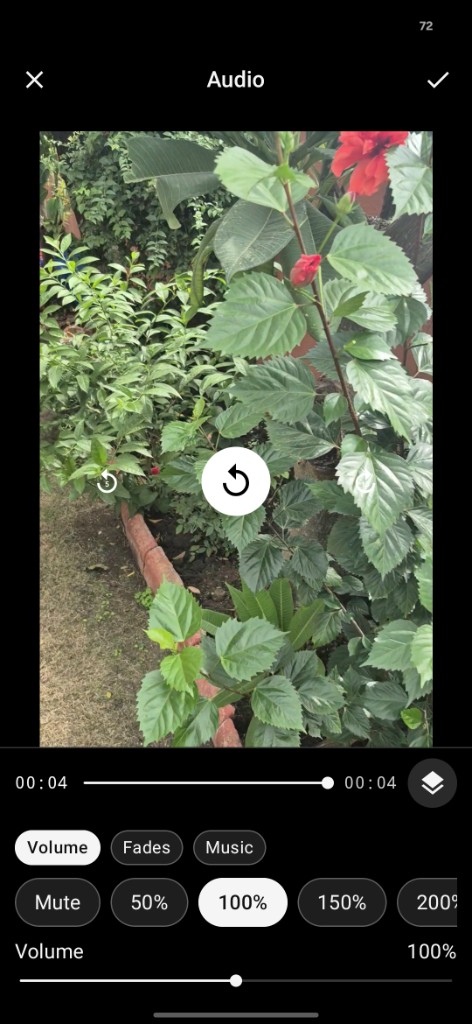
Audio & music

Adjust clip volume, add fades, mute tracks, and overlay background music with loop support for the full timeline.

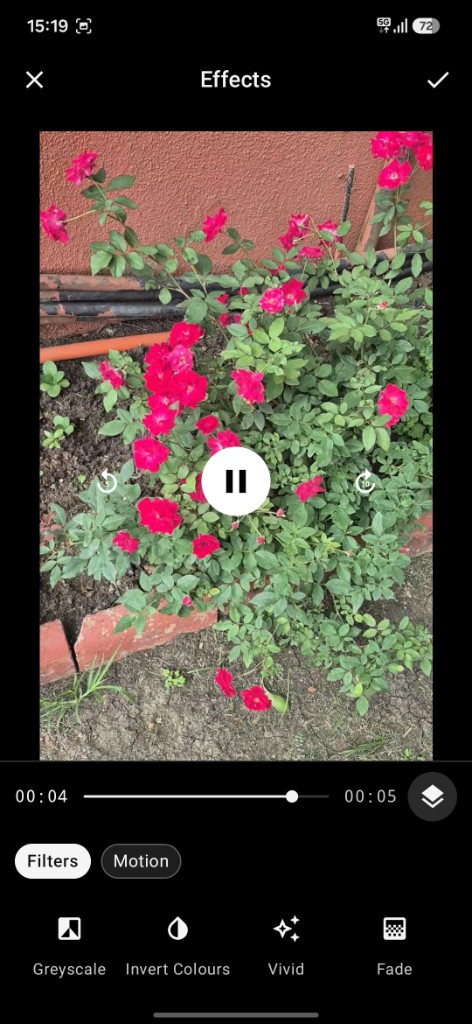
Effects & filters

One-tap looks like vintage, vivid, and moody, plus motion effects — zoom, spin, shake, and more — stacked on your preview.

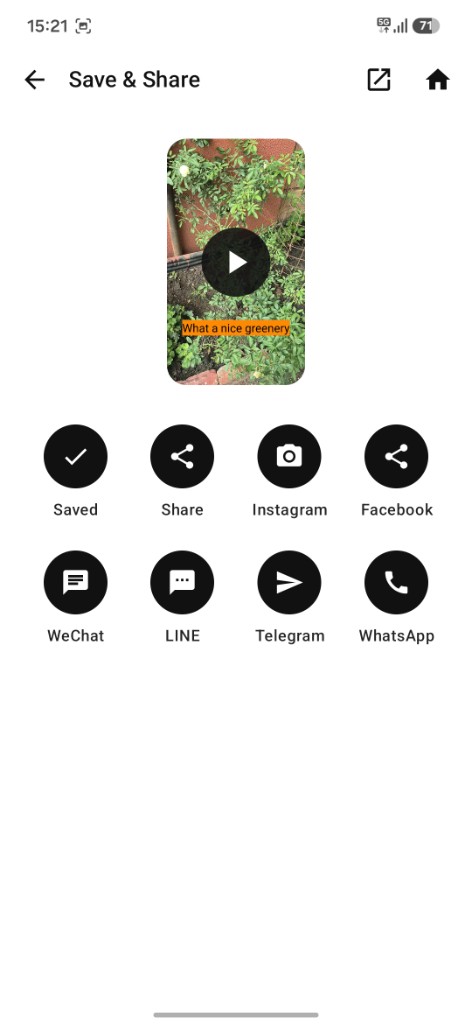
Export & share

Save MP4 to your gallery in up to 4K, pick social canvas sizes, then play back and share to your favorite apps.

Editor tools

A full dock at your thumb

Twelve focused tools in the bottom bar — reorder or hide the ones you do not need in Settings.

Trim
Timeline
Crop
Speed
Audio
Text
Sticker
Effects
Adjust
Transform
Background
Output
How it works

From clip to share in minutes

No account required. Your videos stay on your device until you choose to export or share.

1

Pick a video

Open Clypzo Video, choose a clip from your gallery, import from files, or record something new.

2

Edit on your phone

Trim, add text and stickers, tune color, mix audio, and preview changes in real time.

3

Export & share

Save an MP4 to your gallery, watch it back in the app, and send it anywhere with one tap.

Privacy first

Editing stays on your device

Clypzo Video is a local editor. We do not upload your clips to our servers or require an account to edit.

On-device processing

Videos you open, record, or export are processed on this phone — not sent to the cloud for editing.

Minimal permissions

Photos and videos access shows your library. Camera and microphone are used only when you record a clip.

You control sharing

When you share a video or contact support, that content leaves the app only through the service you choose.

Ready to edit?

Download Clypzo Video free on Google Play and start creating today.