Free on Android

Powerful editing.Made simple.

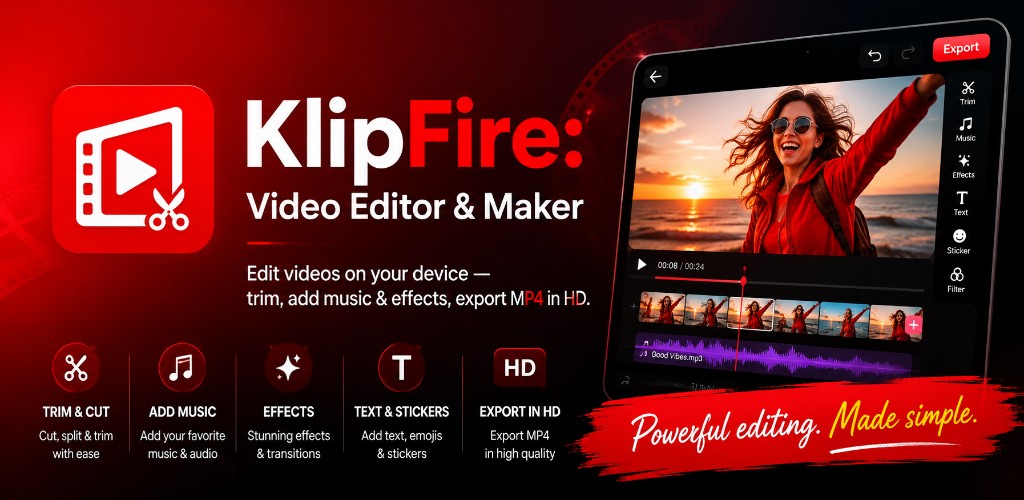
KlipFire is a full video editor for your phone — trim clips, add music, apply effects, layer text and stickers, then export MP4 in HD without leaving your device.

On-device editing 70+ languages Android 7.0+ No account required
KlipFire video editor — trim, music, effects, text and HD export on Android
12Editor tools
4KExport quality
HDMP4 output
FreeOn Google Play
Features

Everything you need to edit on mobile

Import from your gallery or record a new clip, then shape, style, and share — all from a focused editor built for phones.

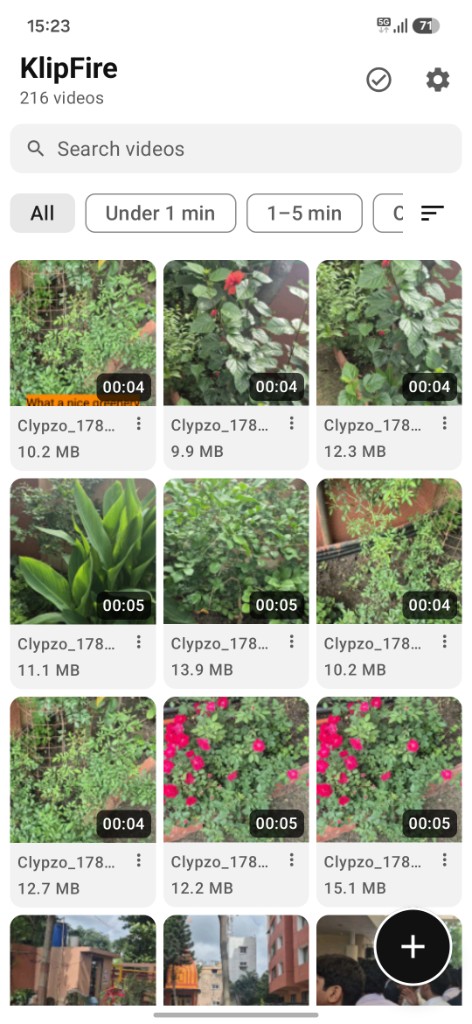
Browse videos in the KlipFire gallery

Your video library, ready to edit

Browse every clip on your phone in a fast grid with search, filters, and sort. Import, record, or tap any video to open the editor instantly.

  • Search and filter by duration
  • Import from files or record new clips
  • Rename, copy, or manage videos in-app
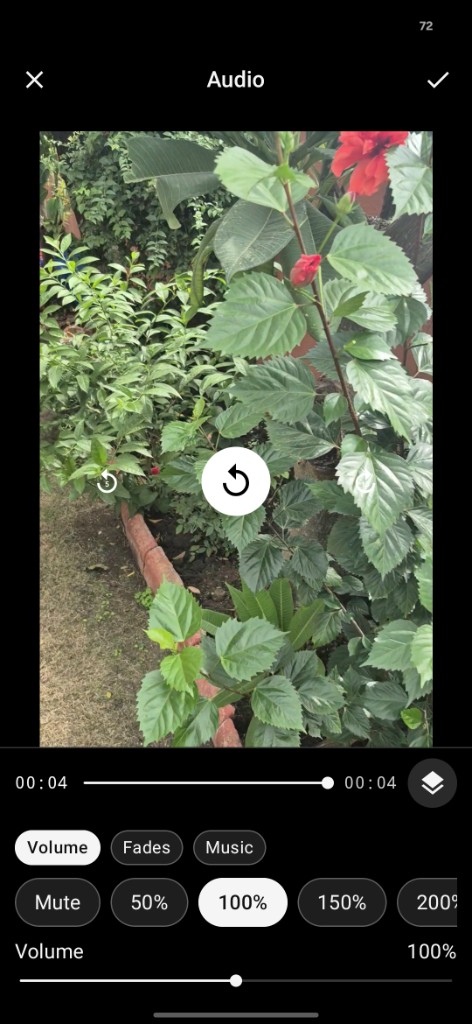
Adjust audio and music in KlipFire

Music, volume & fades

Mix clip audio, overlay background music, and shape fades — all from one Audio panel with live preview on your timeline.

  • Clip volume, mute, fade in/out
  • Background music with loop support
  • Presets from mute up to 200%
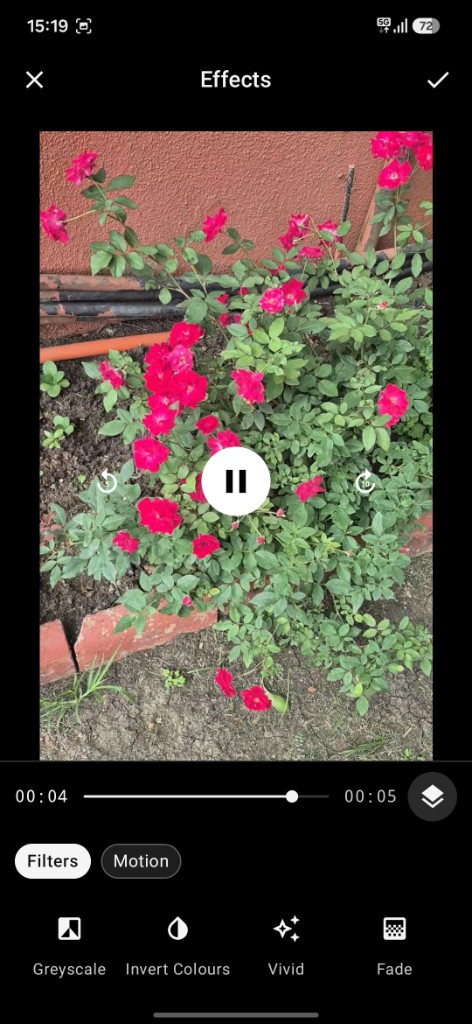
Apply filters and effects in KlipFire

Filters & motion effects

One-tap looks like vivid, vintage, and moody, plus motion effects — zoom, spin, shake, and more — stacked on your preview.

  • Filters and colour adjust sliders
  • Motion: zoom, dizzy, 3D spin, pulse
  • Real-time preview before export
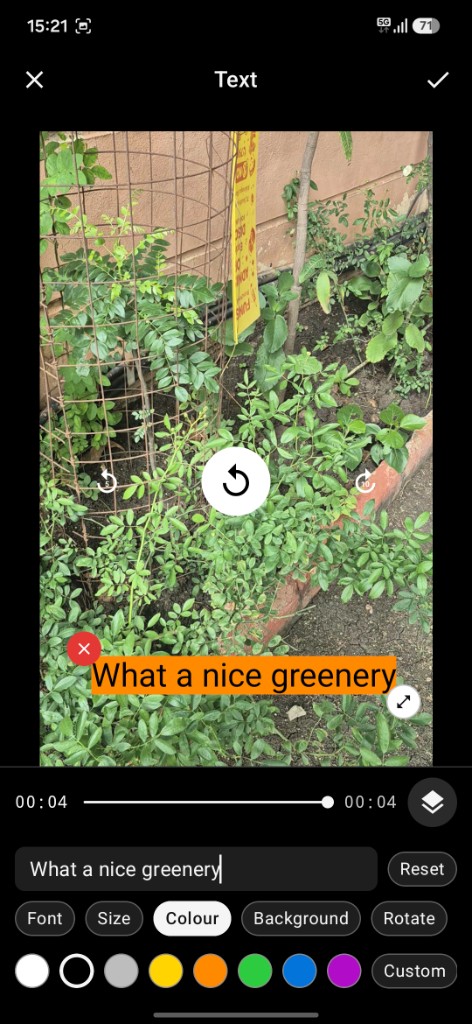
Add text overlays in KlipFire

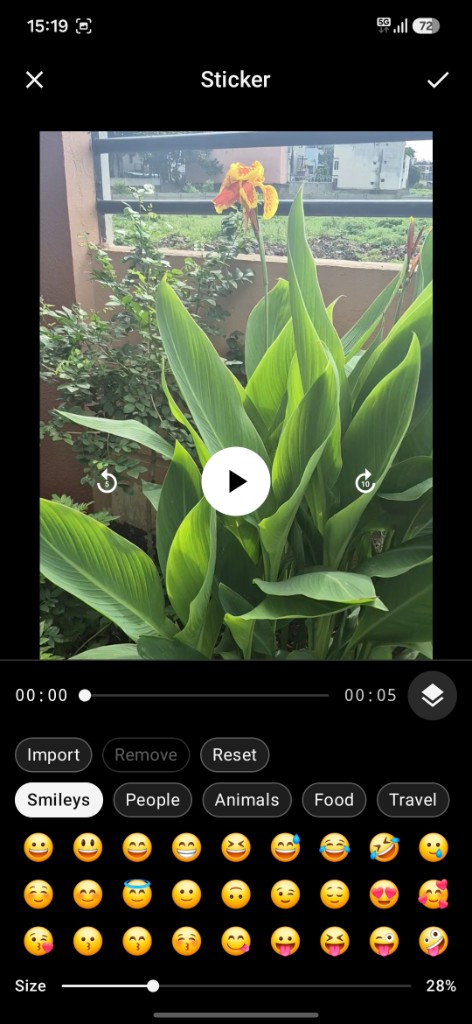
Text & stickers on video

Add titles with custom fonts and colours, layer emoji stickers, drag to position, rotate, and resize directly on the preview.

  • Curated fonts, colours and outlines
  • Emoji categories plus photo import
  • Drag, rotate and scale on the frame
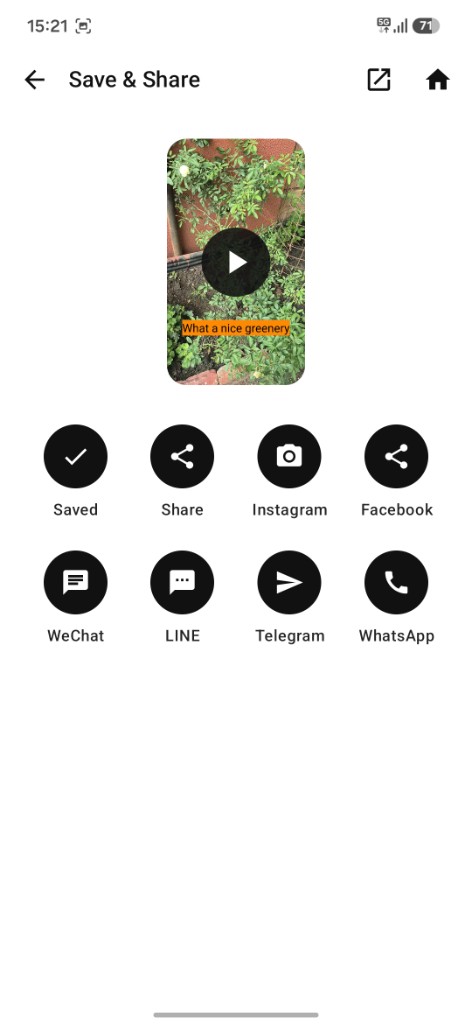
Save and share exported video from KlipFire

Export & share in one tap

Save MP4 to your gallery in up to 4K, watch it back in the app, then share to Instagram, WhatsApp, Telegram, and more.

  • HD and 4K export presets
  • Social canvas sizes (9:16, 1:1, 16:9)
  • Built-in share targets after export

Crop & transform

Social ratio presets (9:16, 1:1, 16:9), rotate, flip, and canvas background fills.

Speed control

Slow down or speed up clips with presets from 0.5× to 2× and a fine-tuned slider.

Export & share

Save MP4 to your gallery up to 4K, then play back and share to any app in one tap.

In the app

See KlipFire in action

Every tool lives in a focused editor built for phones — swipe through real screens from the app.

KlipFire splash screen
Video gallery
Audio editor
Effects panel
Text editor
Sticker picker
Save and share
Editor tools

A full dock at your thumb

Twelve focused tools in the bottom bar — reorder or hide the ones you don't need in Settings.

Trim
Timeline
Crop
Speed
Audio
Text
Sticker
Effects
Adjust
Transform
Background
Output
How it works

From clip to share in minutes

No account required. Your videos stay on your device until you choose to export or share.

1

Pick a video

Open KlipFire, choose a clip from your gallery, import from files, or record something new.

2

Edit on your phone

Trim, add text and stickers, tune color, mix audio, and preview changes in real time.

3

Export & share

Save an MP4 to your gallery, watch it back in the app, and send it anywhere with one tap.

Editing stays on your device

KlipFire is a local editor. We don't upload your clips to our servers or require an account to edit. You control when and how your videos are shared.

Read privacy policy
KlipFire app

Ready to create?

Download KlipFire free on Google Play and start editing today.

Get it on Google Play